Z-Image Turbo
Z-Image Turbo AI Image Generator
Write a prompt, upload a reference image, or guide the shape with ControlNet. Z-Image Turbo turns campaign ideas, product shots, concept art, and social visuals into polished images inside XChat AI.
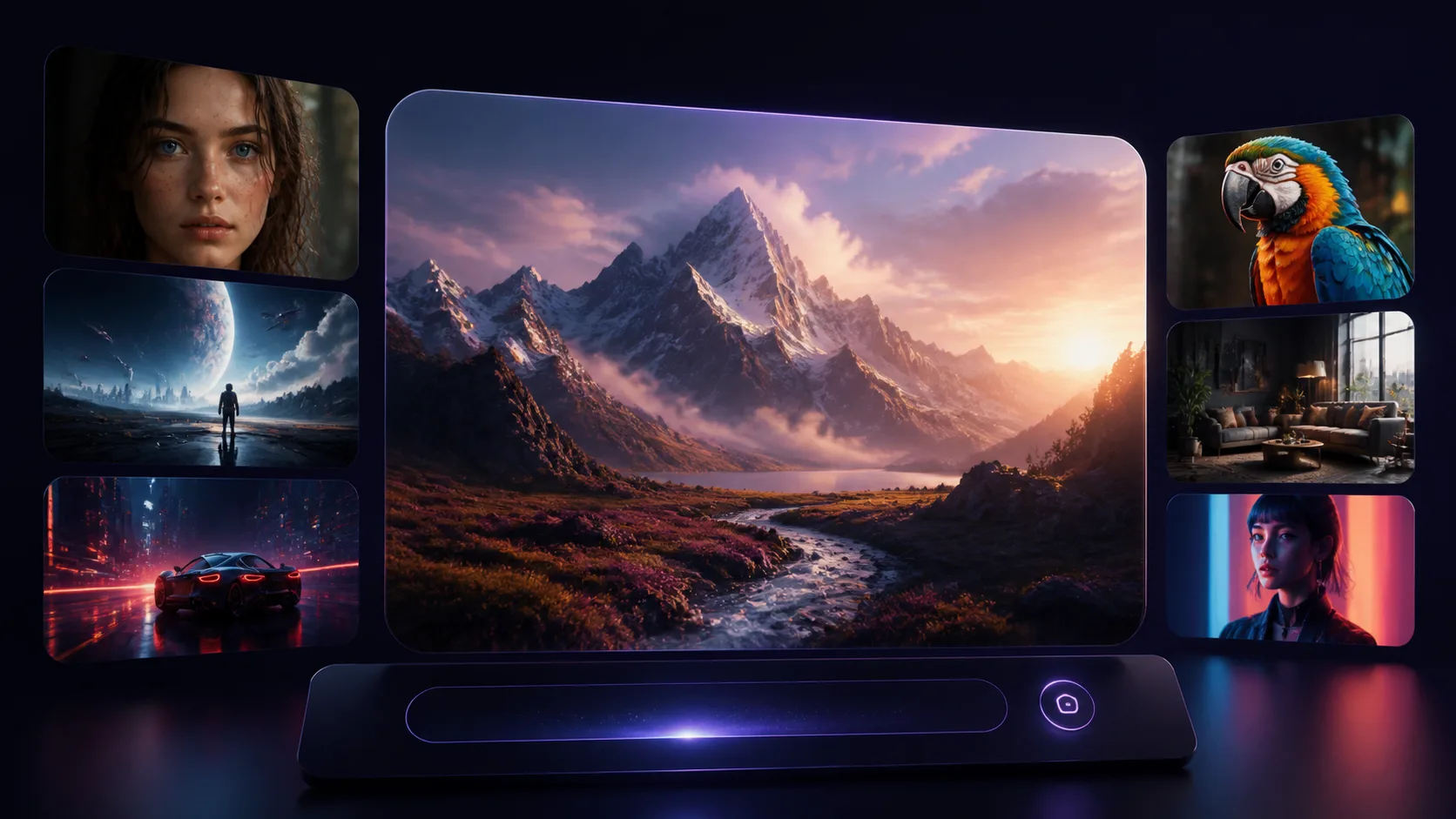
What it is
Z-Image Turbo is built for quick image production
This AI image generator is for people who need usable visuals, not another folder of experiments. Z-Image Turbo supports text-to-image, image-to-image, ControlNet guidance, and optional LoRA style control in the same XChat AI workspace. Use Z-Image Turbo when you need a product scene, a character direction, a campaign image, or a polished draft you can hand to a client. The goal is simple: describe the image, tune the output, download the result, and keep moving.

Ways to create
Four Z-Image Turbo workflows in one page
Start from a blank prompt or bring a reference. Z-Image Turbo gives you enough control for practical production without turning the page into a technical panel, so creative teams can move from prompt to review without changing tools.
Text to image
Describe the final image and choose a size. Use Z-Image Turbo for thumbnails, ad concepts, product scenes, covers, moodboards, and quick creative exploration.
Image to image
Upload a reference image and ask for a new version. Z-Image Turbo keeps the direction you like while changing the scene, material, lighting, or overall finish.
ControlNet guidance
Use a guidance image when composition matters. Z-Image Turbo can follow structure more closely for interiors, poses, layouts, and staged visuals while still rendering a fresh result.
LoRA style control
Switch to Z-Image Turbo LoRA when you need a trained style or subject influence. Add up to three LoRA weights and keep the same generation flow.
How it works
Create a Z-Image Turbo result in four steps
Z-Image Turbo keeps the first run simple. Common choices are visible first, then deeper controls appear when the selected workflow needs them.
Write the prompt
Say what the finished image should show. Add subject, setting, lighting, mood, and output use only when those details matter.
Choose the workflow
Use text-to-image for a new idea, image-to-image for reference edits, or ControlNet when layout and pose need tighter control.
Tune the output
Pick size, number of images, seed, format, and prompt expansion. Z-Image Turbo updates the credit estimate before you render.
Download or remix
Save the final image from My Creations or remix it back into the Z-Image Turbo page with the prompt and settings preserved.
Why creators use it
Less setup before the first usable image
Z-Image Turbo is useful when speed matters but the output still has to look finished. It is not limited to one type of asset, so one workspace can cover everyday campaign, brand, and concept work.
Fast drafts
Generate the first Z-Image Turbo direction quickly, then iterate on prompt, size, seed, and reference strength.
Practical control
Use reference images, ControlNet, or LoRA only when the job needs them. Simple prompts stay simple.
Clear costs
Credits are estimated before generation, so teams can test Z-Image Turbo ideas without guessing the spend.
Use cases
What to make with Z-Image Turbo
Product shots
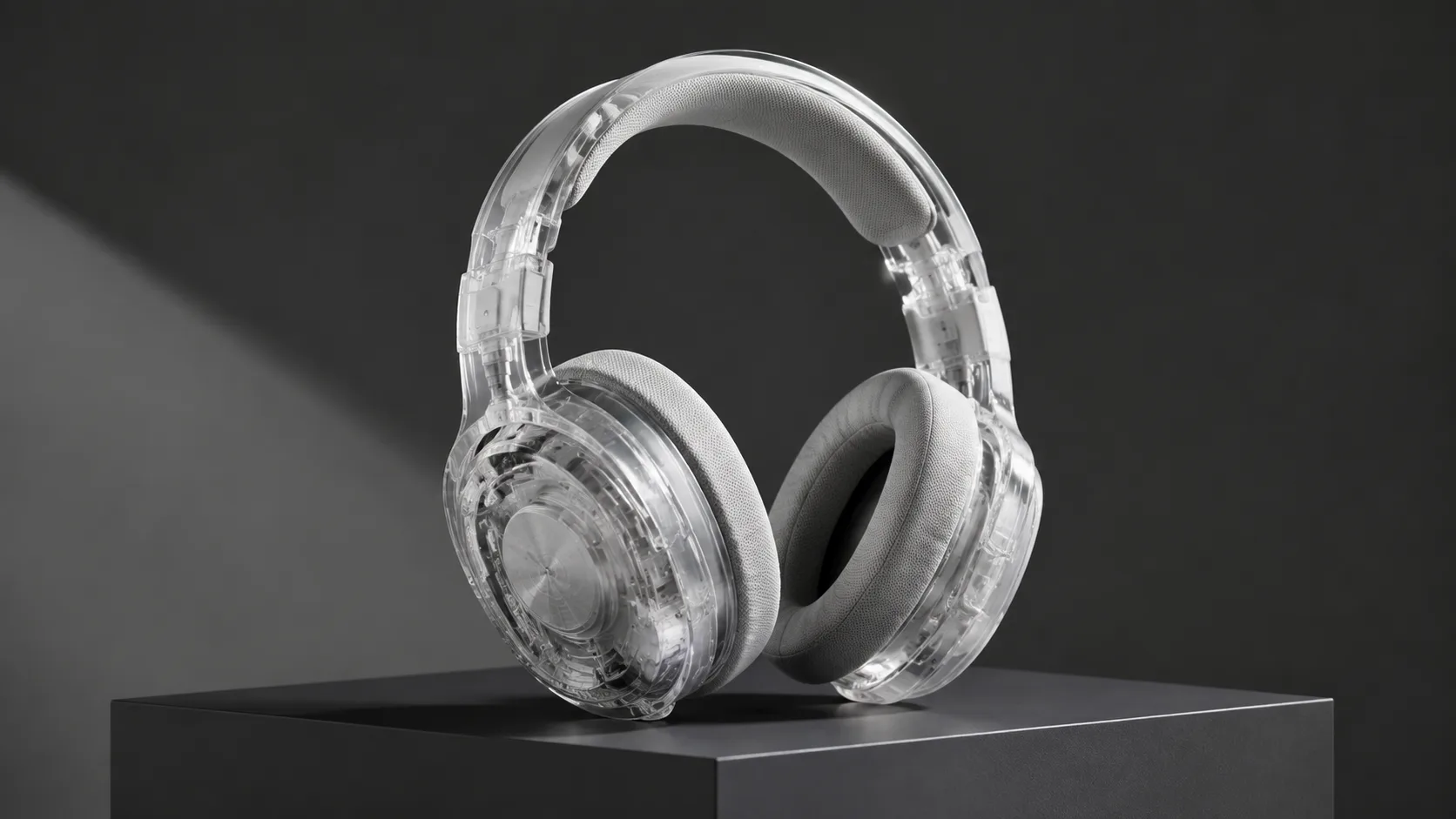
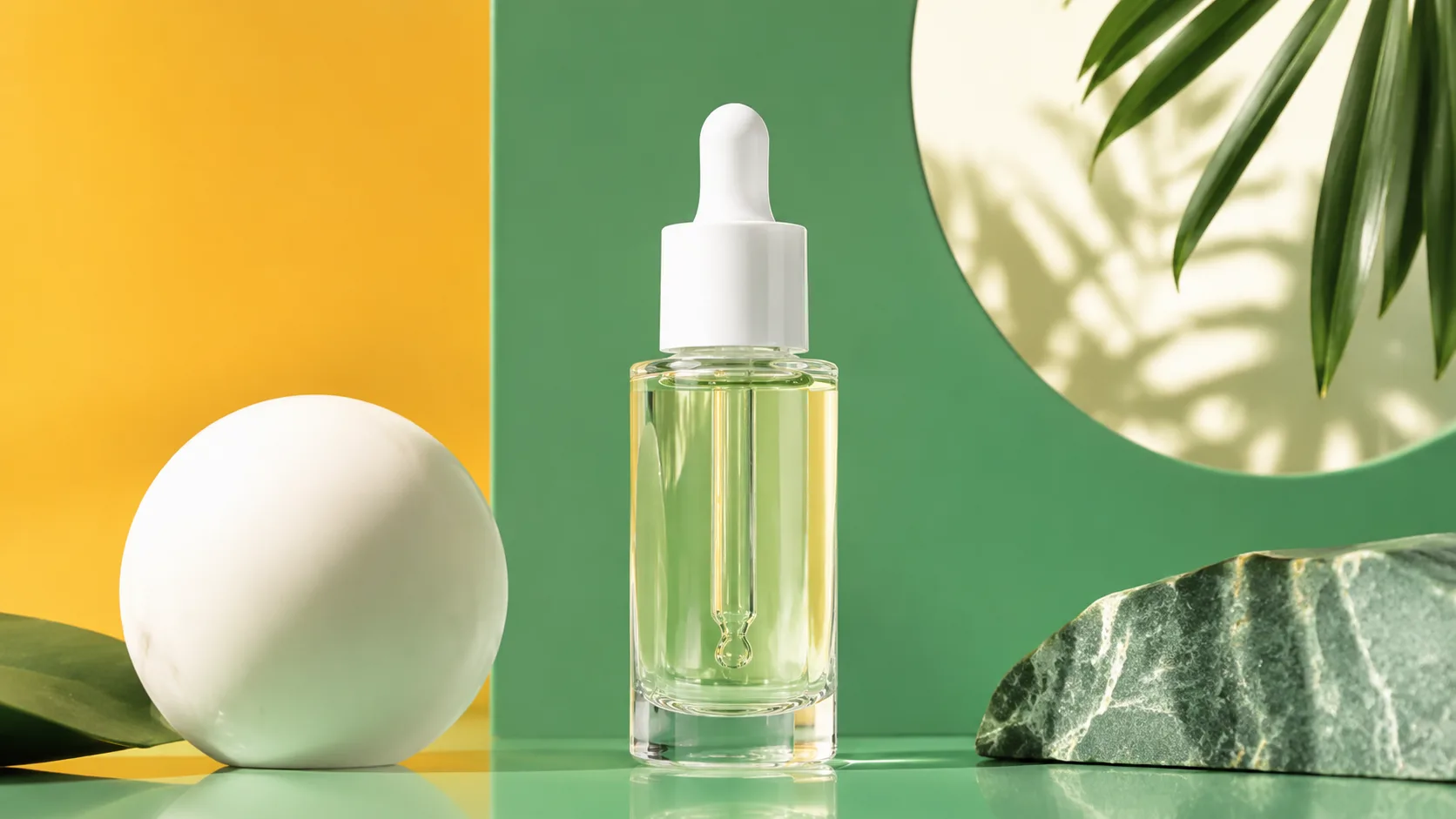
Create clean product scenes before a real shoot. Test lighting, backgrounds, materials, and seasonal campaign directions.
Social ads
Generate square, vertical, or wide concepts for paid social and organic posts. Z-Image Turbo moves from idea to layout faster without opening a separate editor.
Character concepts
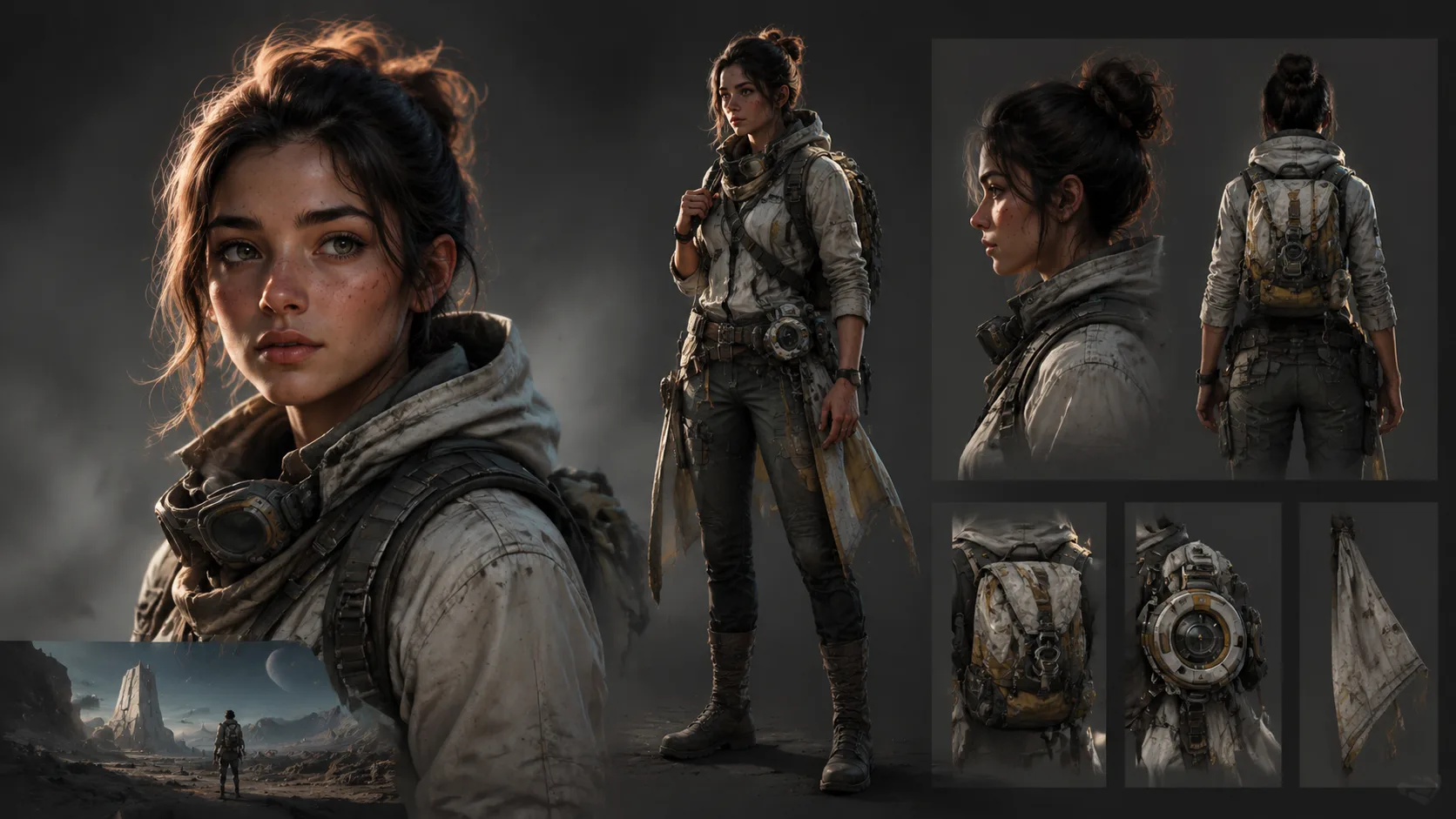
Explore faces, outfits, worlds, and art direction for games, stories, avatars, and short-form video projects.
Interior concepts
Use Z-Image Turbo ControlNet guidance to keep perspective and layout under control while changing materials, mood, and lighting.
Brand visuals
Build a family of Z-Image Turbo visuals for landing pages, emails, covers, and launch assets without starting from stock.
Creative reviews
Show clients several directions early. Z-Image Turbo is fast enough for ideation but polished enough for discussion.
Z-Image Turbo vs generic AI image generators
FAQ
Questions about the image generator
Make the image while the idea is still clear
Open the generator, write the prompt, and create the first direction. Use free credits to test the workflow before committing to a full batch.
Generate with Z-Image Turbo